Beyond Manual Data Entry: Customize AI Document Processing with Chatbot-Assisted Prompt Configuration
Beyond Manual Data Entry: Customize AI Document Processing with Chatbot-Assisted Prompt Configuration
What if your document processing solution could do more than extract and prepare data, enabling your organization to customize AI instructions according to its specific business requirements?
Focus One AI OCR Helper leverages Optical Character Recognition (OCR) technology to extract information from business documents and perform ERP Field Mapping, preparing the extracted data for relevant fields on the AP Invoice screen within the Enterprise Resource Planning (ERP) system.
By reducing repetitive Manual Data Entry, the solution enables employees to focus on reviewing and validating information rather than entering document details into individual ERP fields.
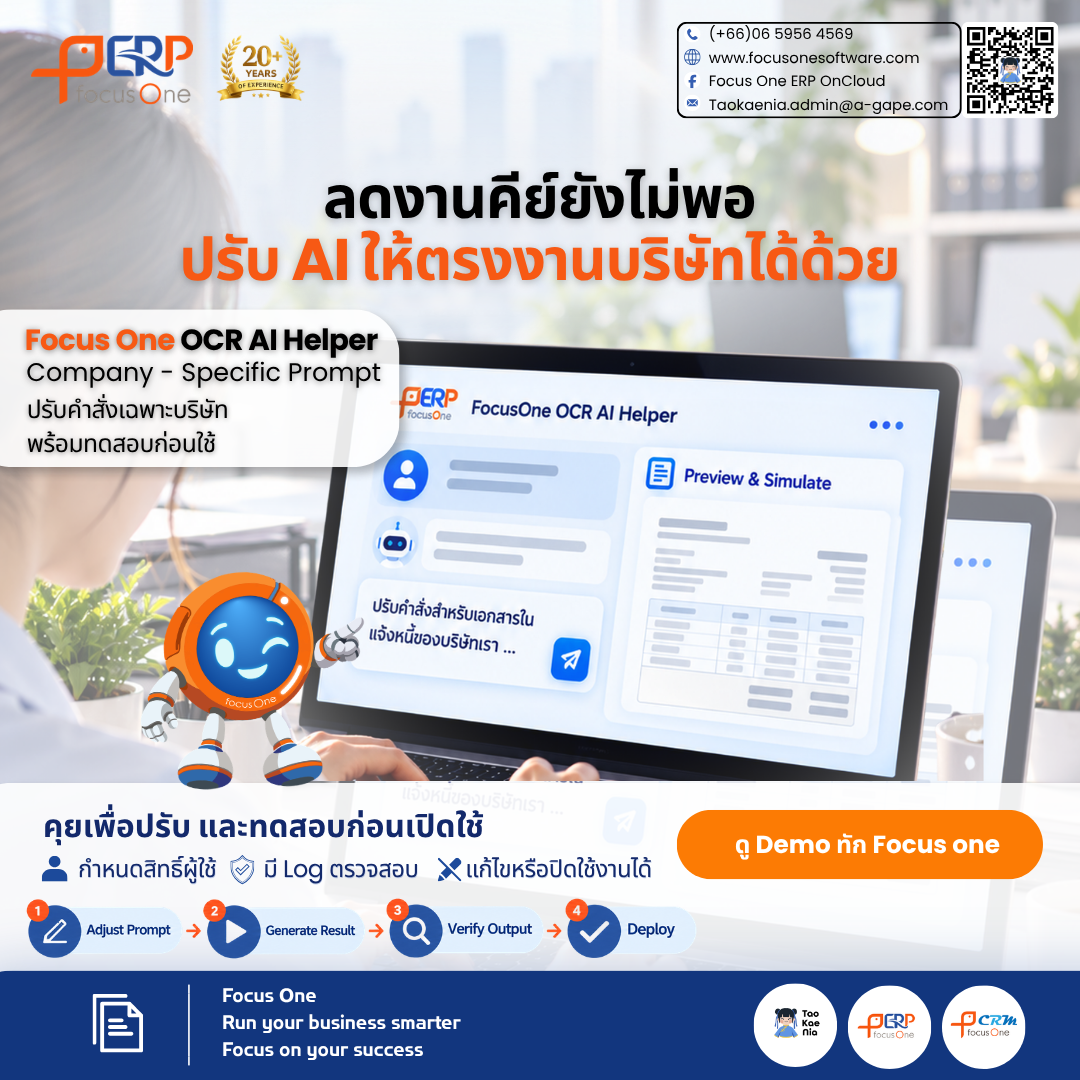
With Chatbot-Assisted Prompt Configuration, authorized users can also interact with a chatbot to configure AI processing instructions based on their company's document formats and operational workflows.
Adapting AI Document Processing to Company-Specific Business Rules
Even when organizations operate on the same ERP platform, individual companies may have different document formats, data identification requirements, and processing conditions, commonly referred to as Business Rules.
As a result, a standardized set of AI instructions may not fully address the requirements of every company.
Chatbot-Assisted Prompt Configuration enables organizations to customize how AI reads and interprets document information while maintaining the Standard System Prompt as the foundation.
Company-Specific Prompt — Tailored AI Instructions for Each Company
Organizations can define Company-Specific Prompts to align document extraction and interpretation with their specific operational requirements.
These customized instructions work alongside the Standard System Prompt and apply only to the designated company.
For organizations managing multiple companies or different business processes, this approach allows each company to maintain its own AI configurations without affecting those of other companies.
Greater Flexibility Through User-Managed AI Prompt Configuration
With Chatbot-Assisted Prompt Configuration, authorized users can manage and adjust AI Prompts independently within the capabilities and access permissions supported by the system.
This helps reduce unnecessary coordination with development teams and provides greater flexibility in adapting document processing instructions as business requirements evolve.
The configuration process follows a structured workflow:
Configure Prompt → Simulate Results → Review → Activate
Users can define or refine AI instructions, simulate the resulting outputs, review the configuration, and activate the prompt according to their assigned permissions.
This approach supports more controlled and efficient AI Prompt Management while allowing organizations to validate changes before implementation.
Supporting Flexible and Controlled AI-Enabled ERP Operations
Effective enterprise AI adoption depends not only on the ability to extract information from documents but also on the flexibility to adapt AI processing to different business workflows.
Appropriate access controls and the ability to review configuration changes are equally important for maintaining consistency and accountability.
Focus One OCR AI Helper combines AI-powered document processing with configurable AI instructions to reduce repetitive data entry and provide greater flexibility in preparing information within an Enterprise ERP System.
Throughout the process, users retain responsibility for reviewing, correcting, and confirming AI-prepared information before proceeding with the relevant ERP transactions.
Reduce Manual Data Entry. Customize AI to Your Business. Maintain Control Over ERP Document Processing.
Focus One
Runs Your Business
Focus on Your Success
Powered by Froala Editor


